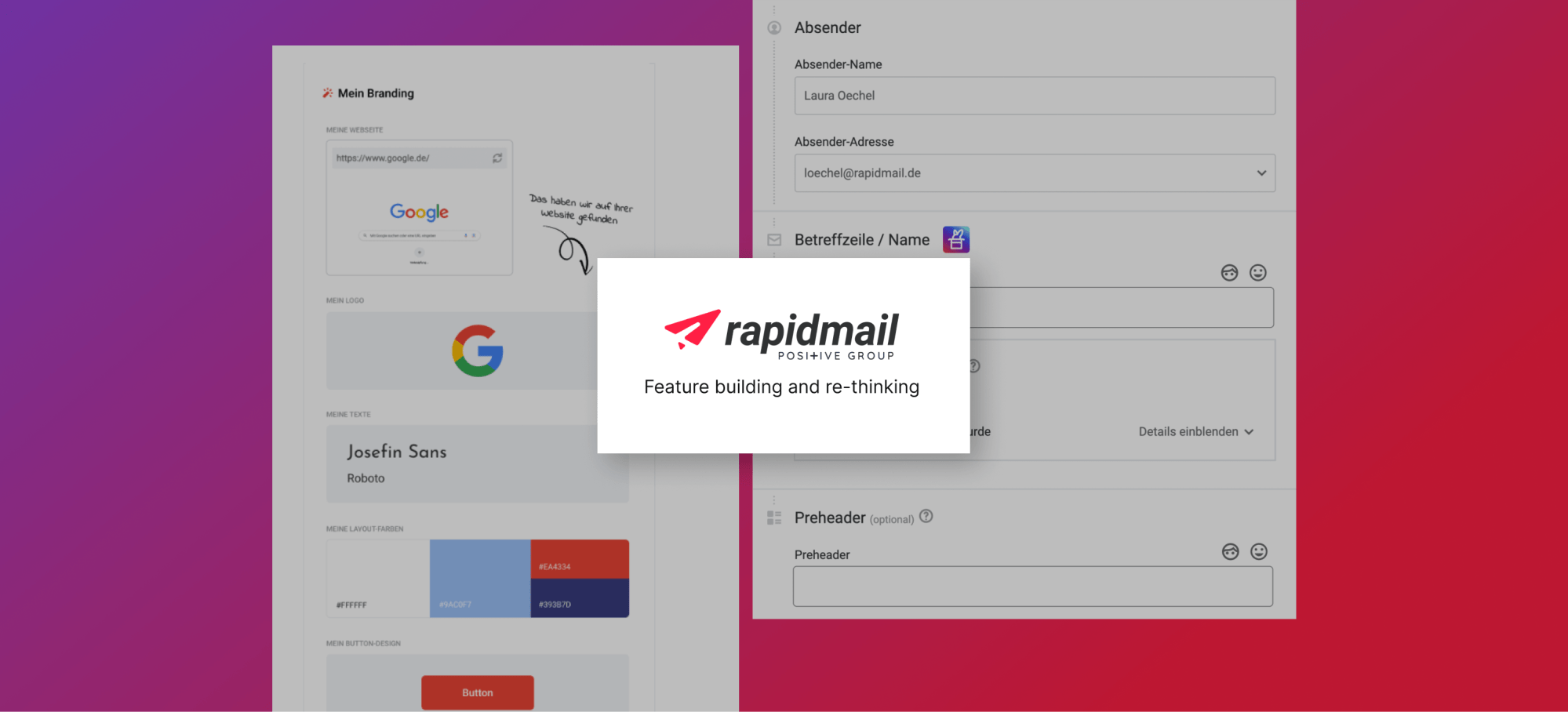
Autocomplete subjectline with AI
The Scope
One of our goals this year is that an x amount of our clients have parts of their newsletters originated by AI. What is a small, strategically placed feature that has a high impact on the opening rates and quality of newsletters?
It’s the subject line.
Since AI-generated images in our tool are time consuming and the results
are difficult to control, we initially focus on text support. The aim is to offer users optimized subject line suggestions, either on request through click
on AI-icon or autocompleted.
The source is the user’s website About text and the engine is Chat-GPT 4o.
GAINS: A lower TtC until sending the actual newsletter due to less cognitive load agonizing over a catchy subjectline.
AI is gonna provide the content, that catches their subscribers eye.
And, to introduce our clients to a first small AI function, and regarding it’s success (or not) to decide how to proceed with AI.
UX Research Phase
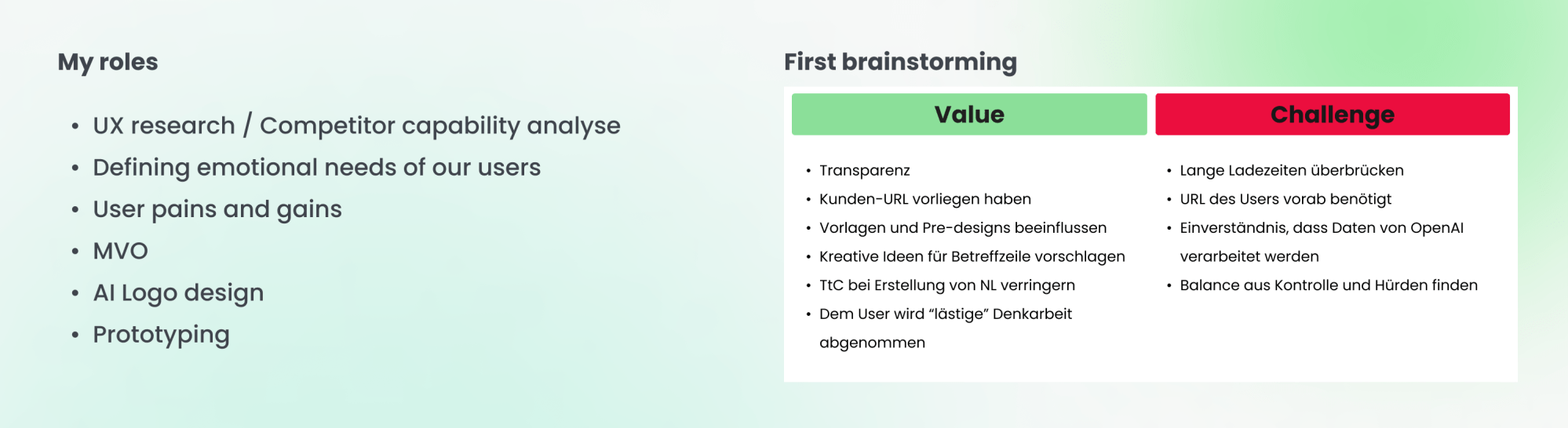
It is crucial to understand how E-mail marketing competitors already implemented AI and how users interact with them, so it helps us recognise industry trends, identifying opportunities, benchmarking against industry standards and drawing inspiration from emerging practices.
I set up trial accounts and retraced the whole flow, starting from analysing the first touch with their AI, to discovery, until generating the results.
In Miro I documented 6 competitors; Cleverreach, Active Campaign, GetResponse, Brevo, Canva and Wix.
To evaluate their user flow from the UX perspective, I marked steps with different memos; what is unique? What works good and what bad, so we better don’t take an example from it.
E.g. when there is no clear declaration of consent given, the AI generator delivers only errors or an erratic word „salad“. Or when it stands out as innovative complete solution to create campaigns – that generates automations and mails, all you need to do is provide keywords, choose your industry, the tone and design direction.
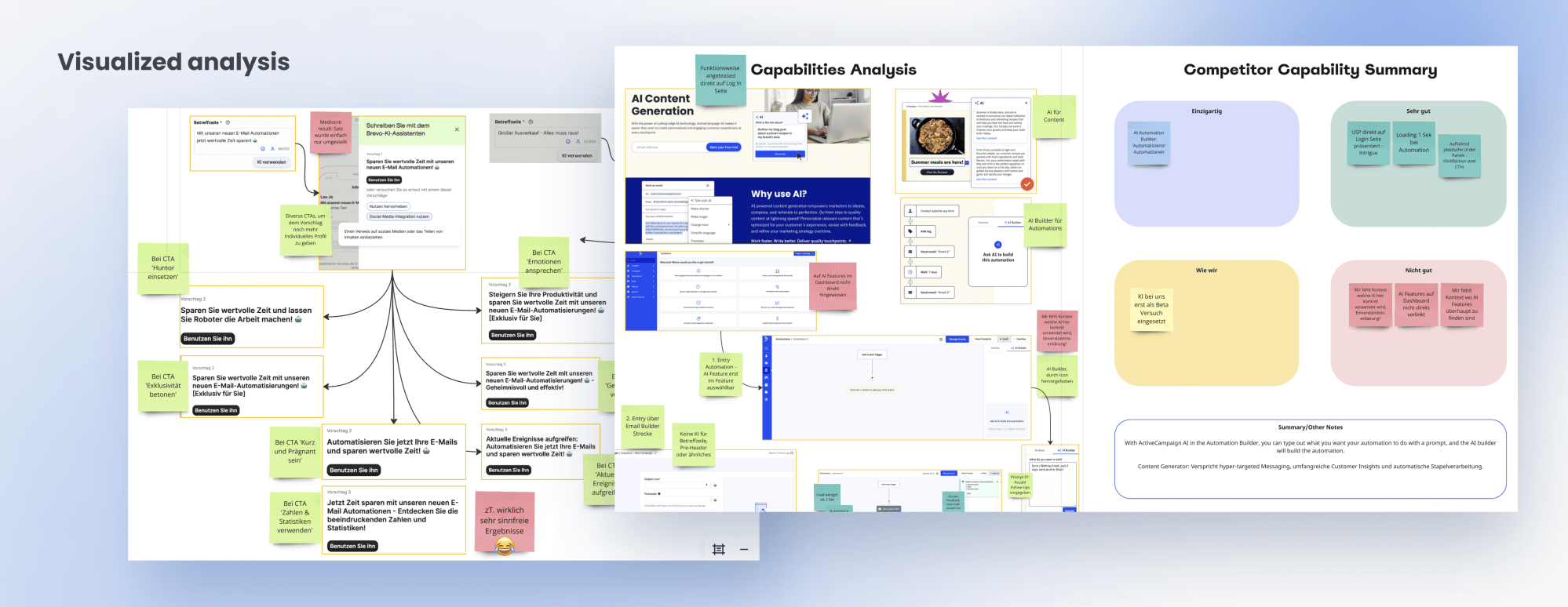
In the second part I focused on mostly AI-driven search- and autocomplete functions for 8 other tools and SaaS, such as GitHub, Spotify, Google Search and more. I analyzed specifically how they straddle longer loading times, where is the first touch with the searcher, how manageable the results are sectioned, readability and how the hit area behaves.
Technical research
We wanna get more efficient with our AI than a mere autocomplete-function. It needs to sources the user’s business context and language style from their About page and, as soon as our user types the first word in the input field, a range of matching suggestions will drop, always accordingly to it’s individual context.
At the same time it’s important to train the AI to pay attention to our company guidelines:
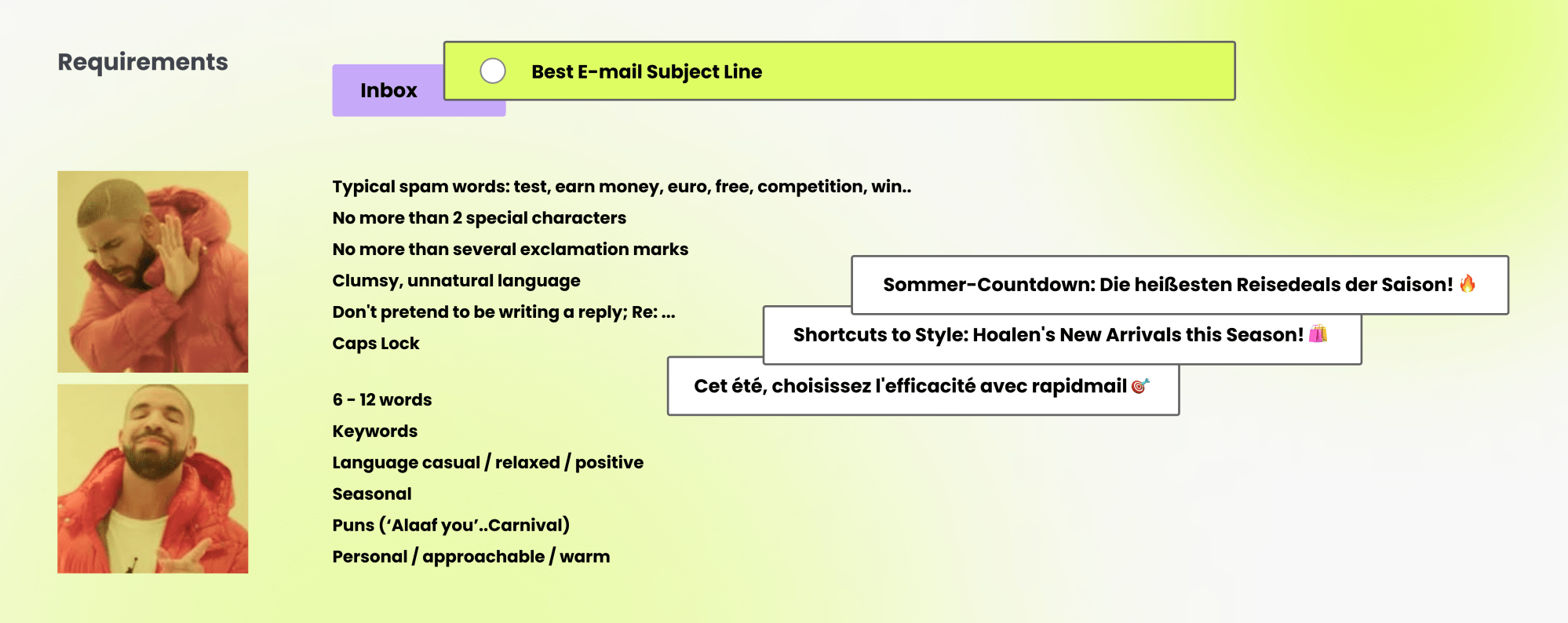
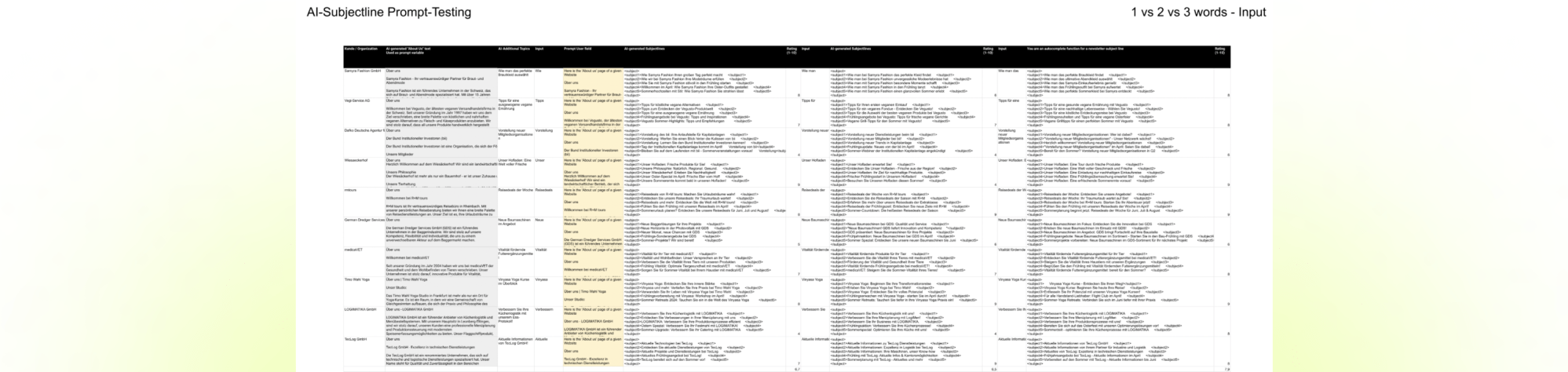
In the next step me and my PM were responsible for giving GPT-4 specific system and user prompts. We changed the settings crazily often to experiment with the tone and let run through different company-websites.
All subject line results got collected in a spread-sheet and we subjectively evaluated the quality of their naturalness and if it hit our tone.
A challenge is that the crawling of the users About page takes up to 40 sec, how do we make this long loading time more pleasant? In the prototyping phase I’m gonna ideate moving progress indicators, like engaging marquees, skeletons and motion designs for that.
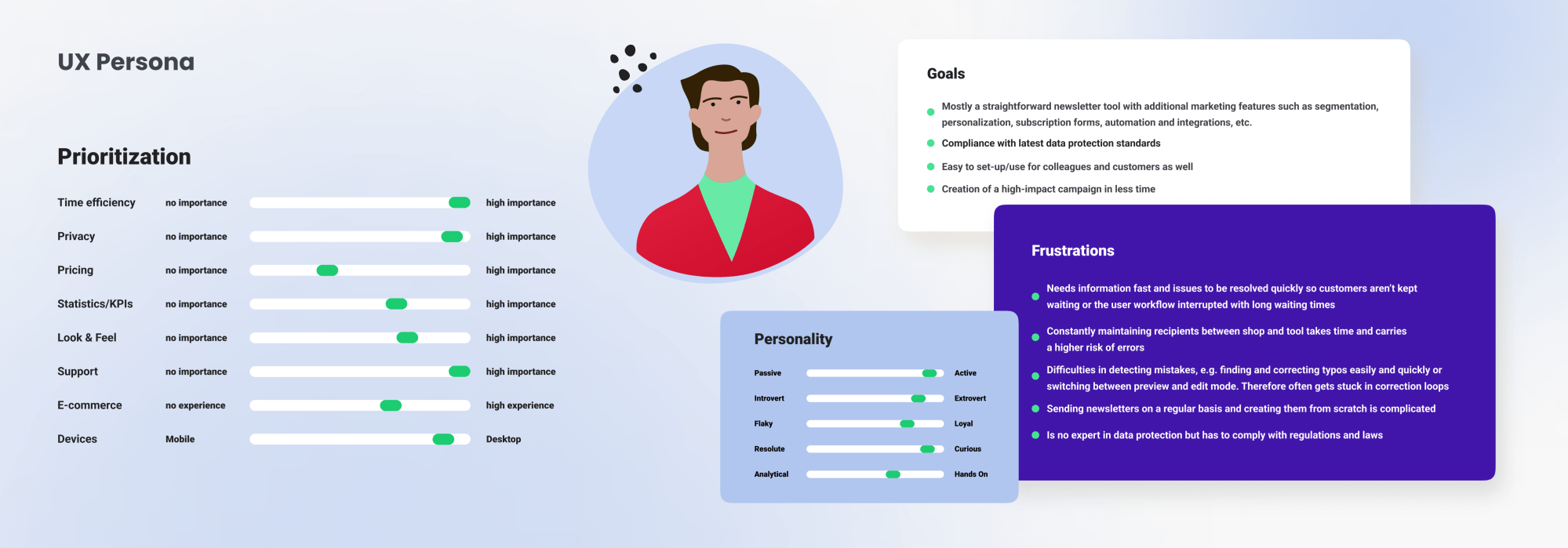
Emotional needs and challenges of our users
Now I will evaluate our UX persona needs to create this experience as valuable as possible. Our core users are time sensitive with average technical proficiency, also mainly from the DACH region with a strong value towards GDPR so I expect a certain mistrust towards the US-based OpenAI.
Now we have to overcome the challenges of a longer loading-time, presenting the AI’s value at the same time as the declaration of consent and query the user’s URL.
MVO
To help validating the core concept of our feature, me and my project manager defined what the non-negotiables would be. Based on that I will start into the ideation phase, building the first simplest version, that we can iterate quickly on.

Prototyping phase
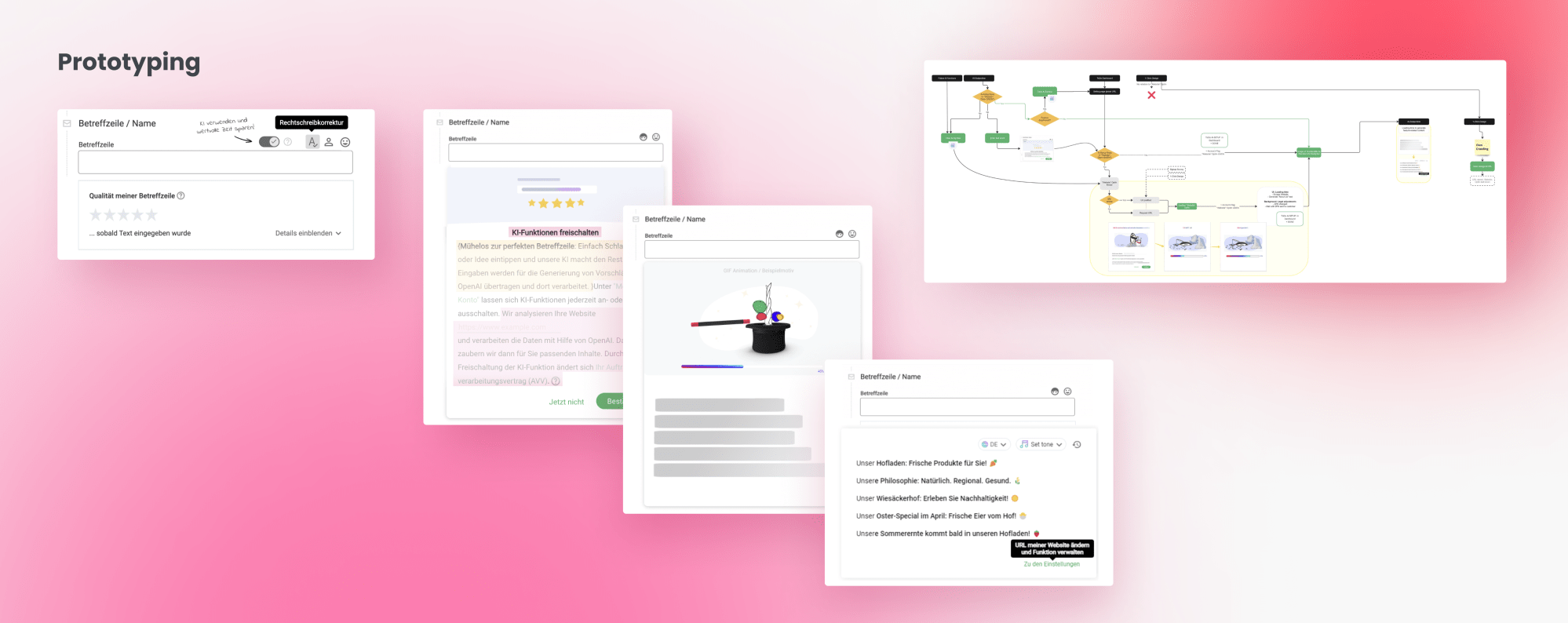
I started off creating static wireframes in UXPin, from Low to Mid-Fi, that help me ideate concepts and propose the MVO to my team in a visualized form. The AI gets triggered as soon our user starts to type into the subject line input field and is gonna auto-complete the text based on his website information. To be able to source his webpage, we have to prompt the gatekeeper, the declaration of consent. If accepted, the AI gets going; first to crawl his webpage and, based on that, in the second step to blurt out meaningful subject line suggestions. The user picks one, re-does the process or leaves the feature and types his own.
As an add-on, I would like to give users the option to adjust the language style themselves using a small dropdown, but as this is not part of the MVO this idea gets saved for future iterations.
The UI
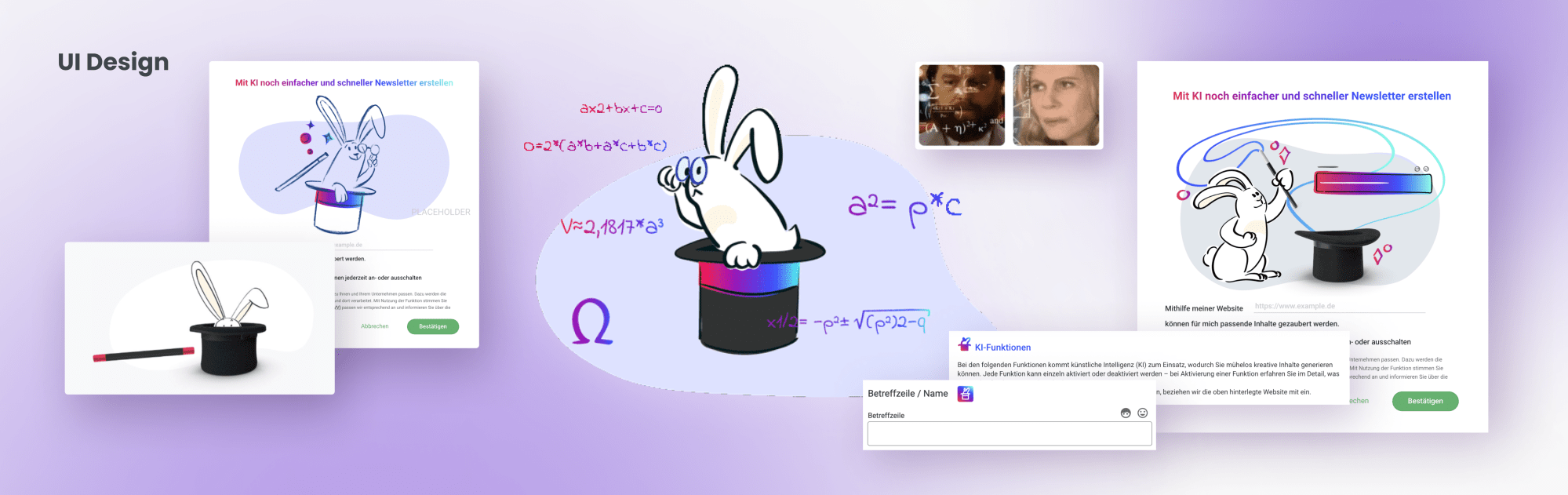
One of our core styles is, that we use animals to describe certain functions
of our tool; for example the storck that stands for delivery or the armadillo that stands for data protection. For our AI, instead of using the overused robot I decided with my product and design team to implement a rabbit.
Celts also revered the rabbit, believing it possessed magical and mystical properties, often associated with lunar deities and the concept of transformation. In Native American folklore, the rabbit appears as a clever and cunning trickster figure, symbolizing intelligence and resourcefulness.
To signify future AI functions in our tool I thought a rabbit that peeks out of it’s magic hat would be perfect, both as AI icon as well as illustration and motion design to make the loading times more fun.
I wanted a little pun to the math-lady meme with the calculating rabbit while the AI is generating.
Documentation, proof of concept and Go-Live
After a couple of iterations, closing every gap that affected other parts of our tool, like creating a little command centre in the user’s account settings for giving them better control over when AI functions should intervene or not, and various team presentations, it was time handing off the final prototype to our developers. The project manager of my team is responsible for the written documentation of the prototype with all edge cases.
In addition, the token sheet is created and all texts contained in the concept are transferred to a Google Sheet and the translations are added there.
After developing a first proof of concept that got thoroughly UX tested, the feature got released January 2025 and well-adapted by our users with a current adoption rate of 8% (April 2025).
All rights reserved © 2024 by Laura Josephine Oechel
 laurajosephine